I Panicked When My Shade Store Motorized Shades Froze (Here's the Fix)
It was 5:45 PM on a Saturday. I had a bottle of chilled Sancerre on the counter, the smell of roasting garlic in the air, and six people arriving for dinner in fifteen minutes. The low-hanging October sun was hitting my dining room table at an angle that made my vintage glassware look like a laser show, blinding anyone sitting on the north side of the table. I hit the button on my shade store motorized remote to drop the heavy-weight linen romans. Nothing. I pressed it again, harder, as if that would help. Still nothing.
Quick Takeaways
- Check the battery first; a blinking red light inside the headrail is the universal sign of distress.
- The 'jog' (a quick up-and-down movement) is the shade's way of telling you it's in programming mode.
- Never pull the fabric manually; you will strip the motor gears and void your warranty.
- Keep your charging cable in a dedicated 'tech drawer' so you aren't hunting for it every six months.
The Pre-Dinner Party Panic (Why Mine Stopped Responding)
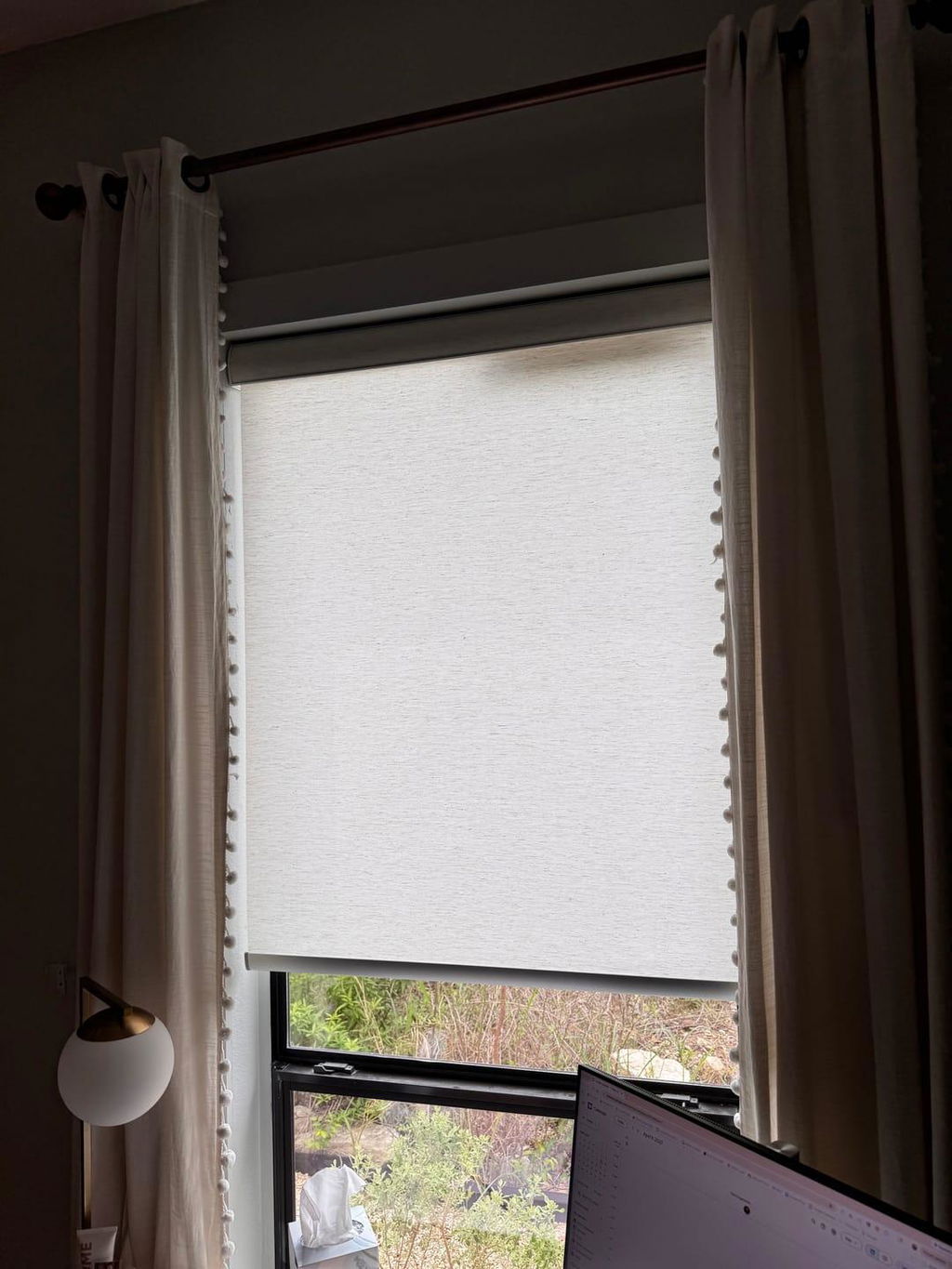
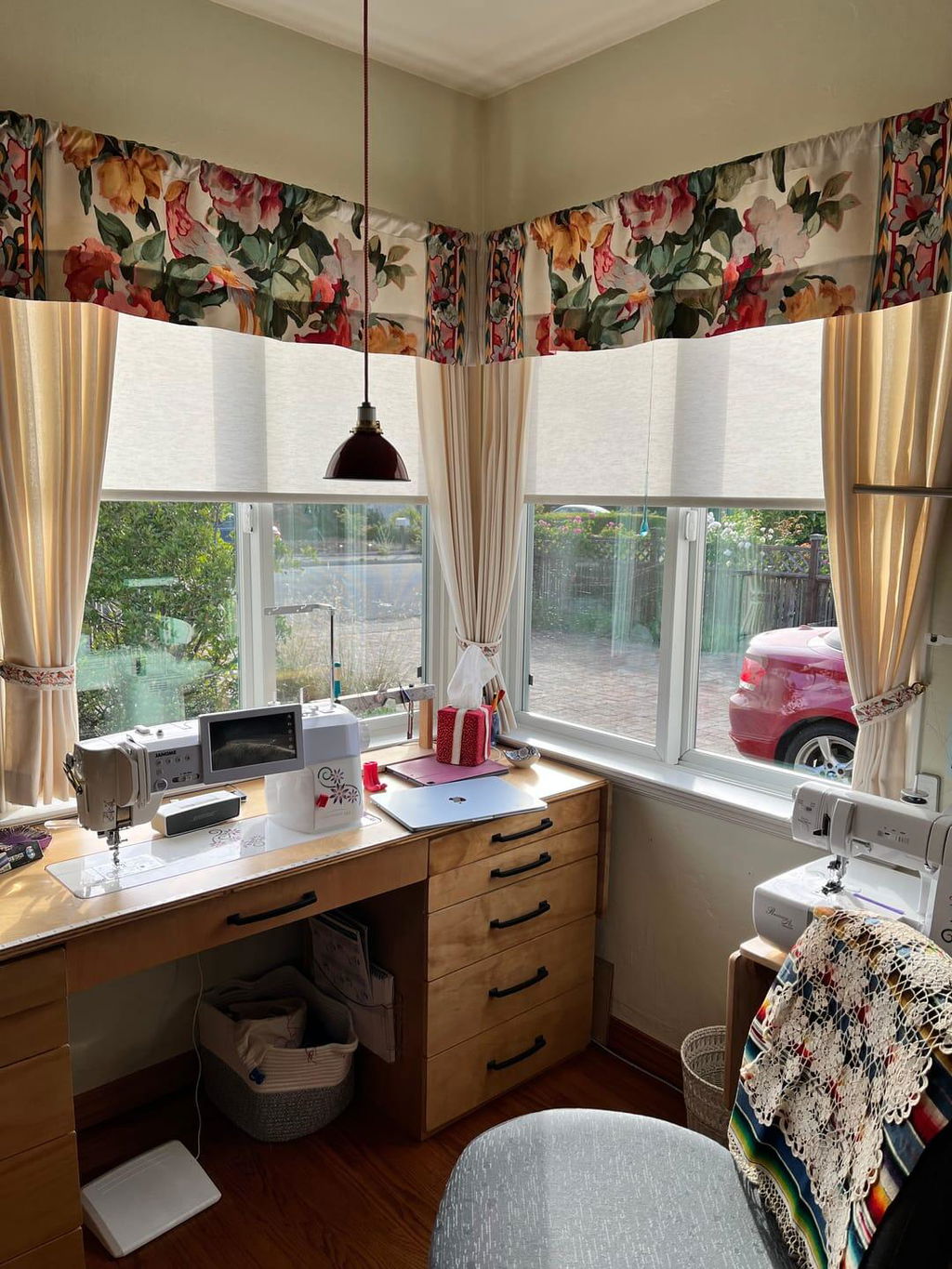
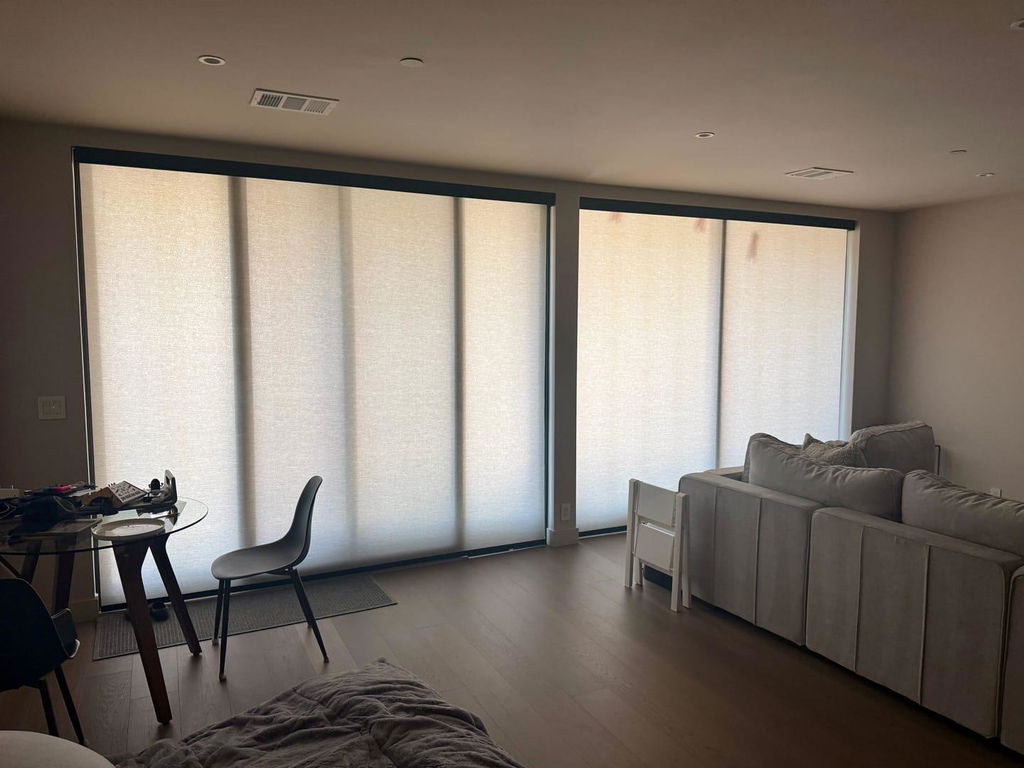
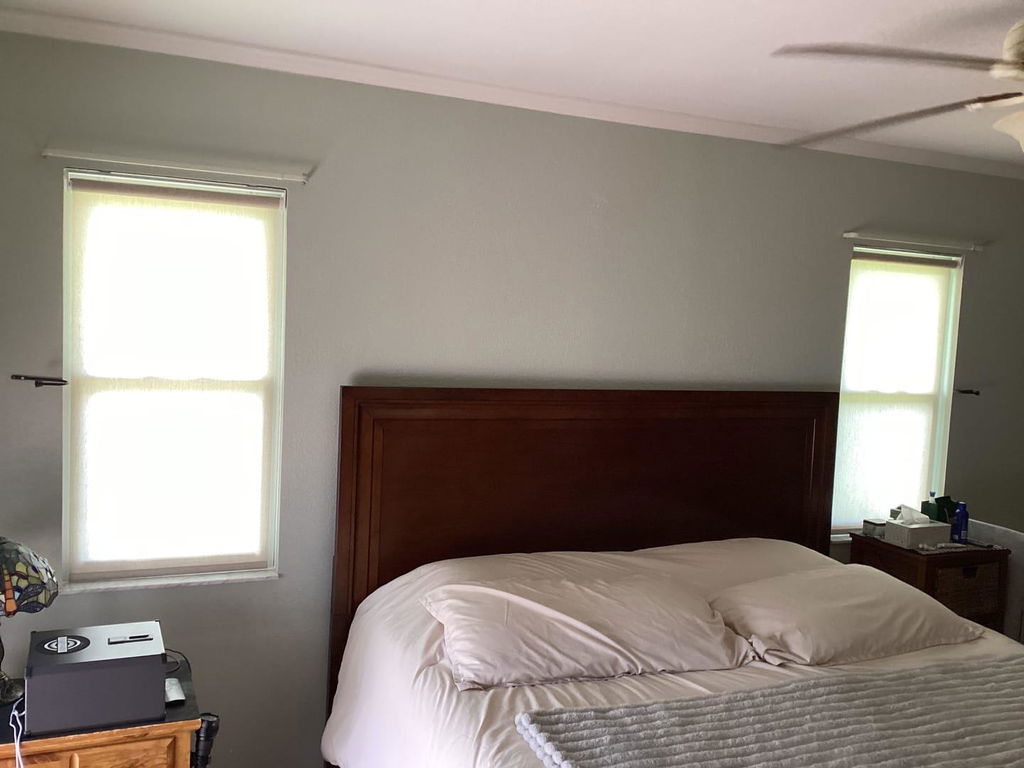
I stood there like a fool, pointing the remote at the valance as if I were trying to jumpstart a car with a TV remote. When you invest in the shade store motorized shades, you expect a certain level of 'set it and forget it' luxury. My shades are a custom 200 gsm linen blend with a 96-inch drop, and when they work, they are poetry in motion. But when they don't, you realize how much you rely on that automation to keep your furniture from fading and your guests from squinting.
I felt that immediate wave of dread—the 'shade store motorized shades not working' panic. My mind went straight to the worst-case scenario: a burnt-out motor, a $500 repair bill, and weeks of waiting for a technician. In reality, most issues with an automated shade store aren't hardware failures. They are usually 'communication breakdowns' between the remote and the motor, or simply a battery that finally gave up the ghost after six months of heavy lifting.
I eventually realized that my mesh WiFi system had updated the night before, and the signal interference had temporarily knocked my hub offline. But in that moment, staring at my frozen shades while the sun baked my rug, I learned that you have to treat these like any other piece of high-end tech. You wouldn't expect your iPhone to run for a year without a charge; your shades are no different.
The 'Dead Battery' Illusion: How to Charge Shade Store Shades Properly
The most common culprit for a non-responsive shade is the battery. I’ve found that people tend to treat these shades like furniture—things that just exist—rather than appliances that need power. If you’re wondering shade store how to charge battery units, it’s usually a simple micro-USB or a proprietary barrel plug hidden behind the fabric at the top of the headrail. You’ll see a small port; plug it in, and usually, a light will turn green once it’s juiced up.
The real headache comes when you have high ceilings. I have a set of clerestory windows that require a 12-foot ladder just to reach the charging port. It’s a total design flaw if you don't plan for it. If you have hard-to-reach spots, I actually recommend something like the Canisteo Motorized Skylight Cellular Shades Flex, which are designed for those impossible-to-reach angles and often have better solar-charging options or longer-lasting battery cycles.
A pro tip: don't wait for them to stop moving. I now set a calendar reminder for the first day of spring and autumn to charge every motorized shade in the house. It takes about four hours per shade to get a full charge. If you try to operate them while they are at 2% power, the motor can stutter, which feels like a mechanical failure but is actually just a lack of 'fuel.'
Navigating The Shade Store Remote Control Instructions Without Tears
The manual that comes with the shade store remote looks like it was written for a NASA engineer. It’s full of 'press P1 for 3 seconds, then hold Up and Down simultaneously.' If your the shade store remote control isn't working, the first thing to check isn't the programming—it’s the channel. Most of these remotes have 15 channels. I once spent twenty minutes cursing my shades only to realize I had accidentally bumped the remote to Channel 4, which wasn't assigned to anything.
If you actually need shade store remote programming because a shade has desync'd, remember the 'jog.' You press the button on the motor head until the shade does a little shimmy. That shimmy is your green light. Then you hold the 'stop' button on the remote. If it jogs again, you’re paired. It sounds simple, but when you're doing it on a ladder, it feels like a high-stakes game of Operation.
The biggest mistake? Clearing the limits. The 'limits' are the programmed spots where the shade knows to stop at the top and bottom. If you mess with the shade store remote control instructions too much and wipe these, your shade might try to roll itself right off the tube or bunch up in the headrail. If you aren't sure, stop. It's better to have a shade that only goes halfway down than one that rips itself out of the ceiling.
Wait, Can I Pull Them? The Shade Store Motorized Shades Manual Override
This is the question everyone asks when the power goes out or the remote goes missing: 'Can I just pull them down?' The short, painful answer is no. Most of the shade store motorized shades manual settings are strictly electronic. There is no 'clutch' like you find on a manual chain-drive shade. If you grab that linen hem and tug, you are putting direct pressure on the motor's internal gears.
I learned this the hard way with a guest who thought they were being helpful by 'closing the blinds' in the guest room. They pulled, the gears stripped with a sickening plastic crunch, and the motor was toast. Replacing a motor is a specialized job. If you’re looking for a system that is a bit more rugged or if you’re outfitting a whole house on a tighter budget, Affordable Motorized Blinds Do Exist (Just Not at the Hardware Store) and some of those DTC brands have slightly more forgiving hardware for high-traffic areas like kids' rooms.
If the shades are stuck open and you absolutely must have privacy, your only real 'manual' option is to use painter's tape to temporarily secure a sheet over the window. Do not—I repeat, do not—try to force the motor. It’s a very expensive way to satisfy a moment of impatience.
When to Actually Call Support vs. A Quick Reset
Before you wait on hold for forty minutes, run through this checklist. Is the remote battery fresh? (It uses those little coin batteries that everyone forgets exist). Is the shade charged? Have you tried the 'all-channel' (usually Channel 0) to see if it’s a specific channel issue? If you have a shade store lutron integration, check the Lutron app. Often, the physical remote is fine, but the bridge has lost its connection to your router.
If you hear a grinding noise, or if the shade moves an inch and then stops with a series of beeps, that’s a hardware issue. That’s when you call in the pros. But nine times out of ten, a 10-second reset button press on the motor head will fix the 'ghost in the machine.' These shades are an investment in your home’s vibe and your own convenience, and a little bit of maintenance goes a long way. For more help on keeping your windows looking sharp, check out All Your Shade Solutions for guides on everything from fabric care to motor upgrades.
FAQ
How long does the battery last on Shade Store motorized shades?
Typically, you’ll get 5 to 7 months on a single charge with average use (up and down once a day). If you have very heavy blackout fabrics or extra-wide shades, the motor works harder and might need a charge every 3 to 4 months.
Why is my Shade Store remote blinking but nothing is moving?
This usually means the remote is sending a signal, but the shade isn't receiving it. Check if the shade is charged or if you are on the correct channel. If the remote light is dim, the coin battery in the remote itself likely needs replacing.
Can I integrate Shade Store shades with my smart home?
Yes, most models work beautifully with Lutron, Alexa, or Google Home, provided you have the proper bridge or hub. This is actually the best way to manage them, as you can set 'scenes' so they close automatically when the sun is at its hottest, saving your furniture and your sanity.