I Lost My Blinds com Motorized Shades Instructions (Here is the Fix)
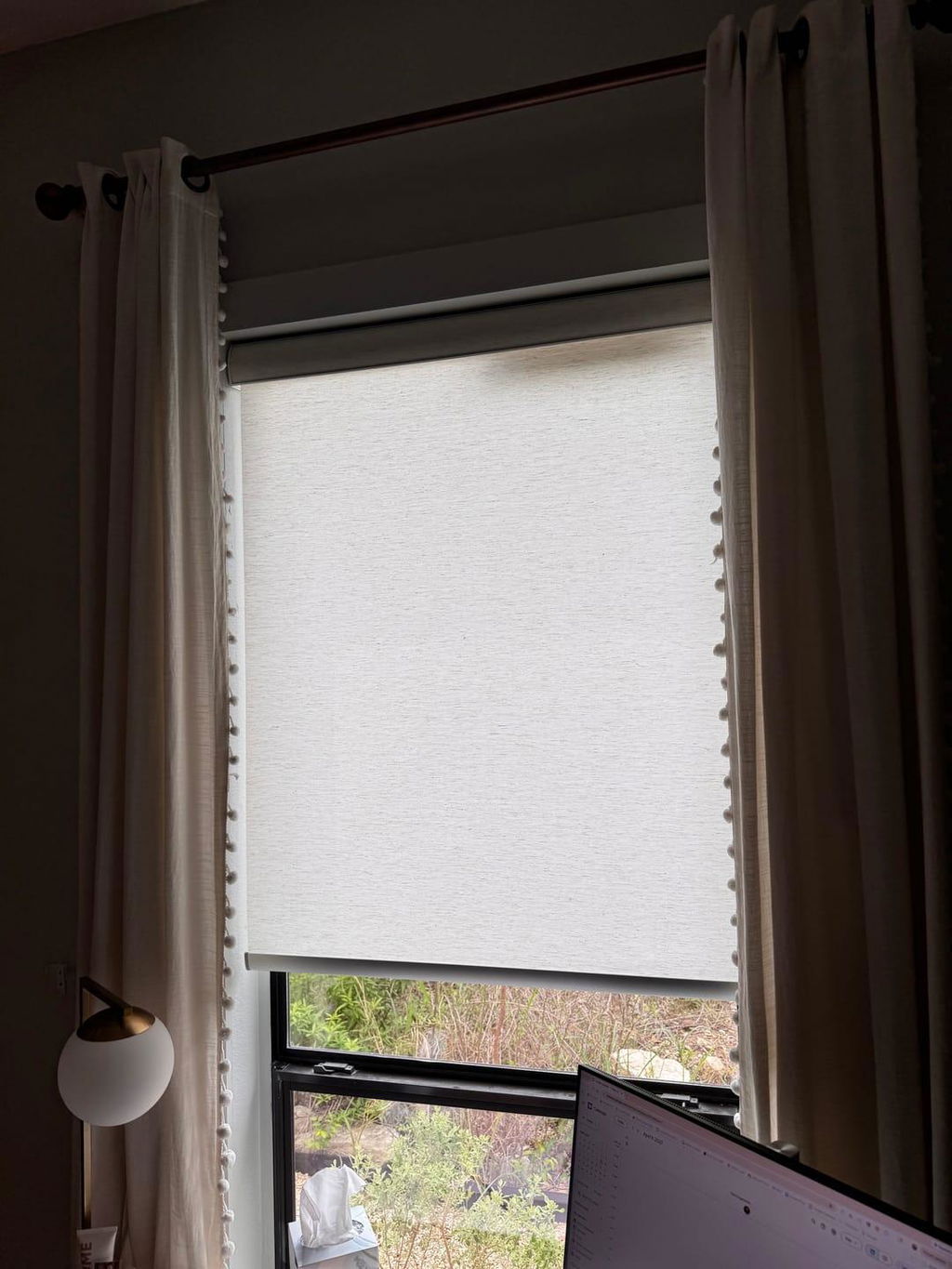
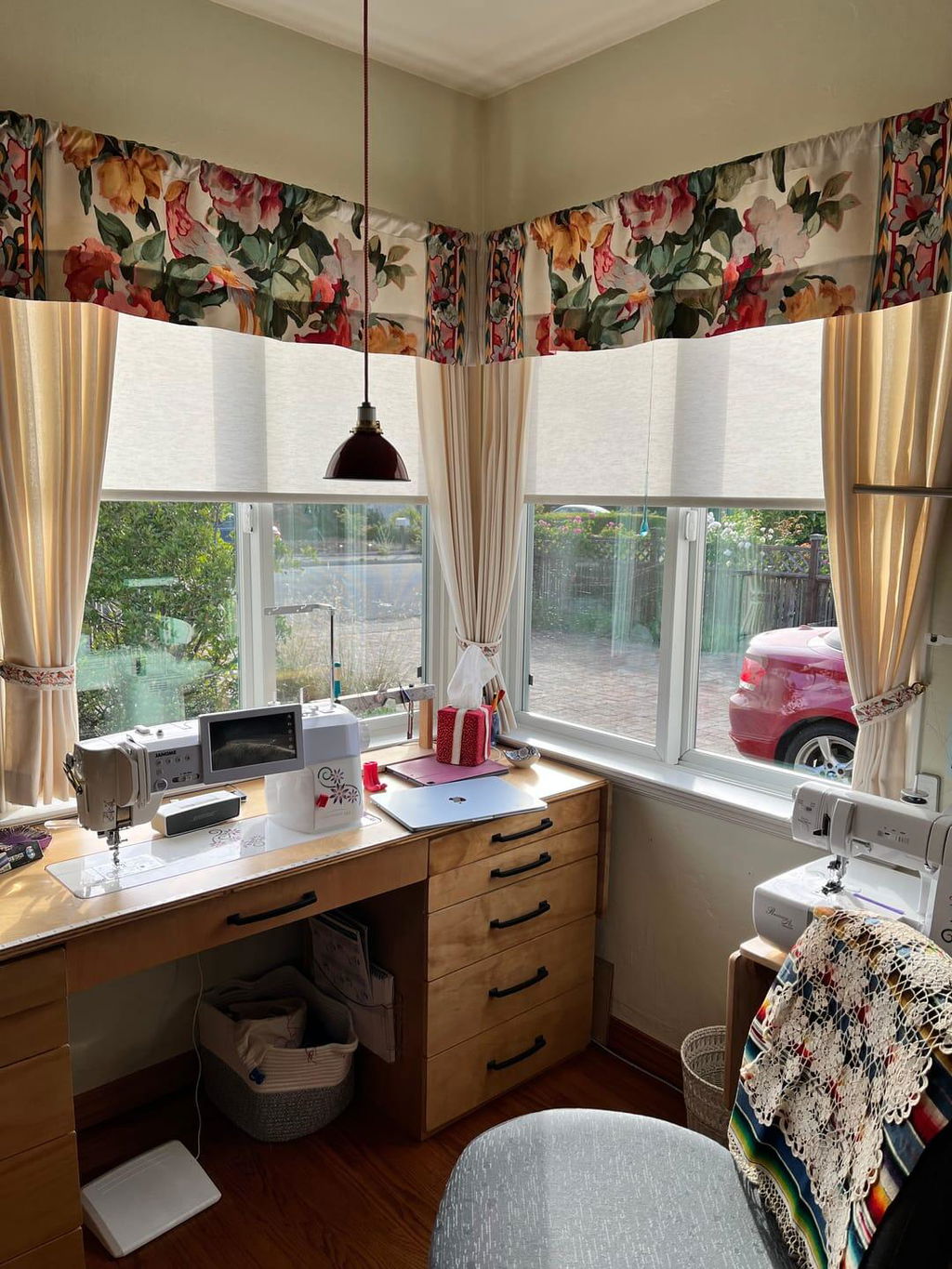
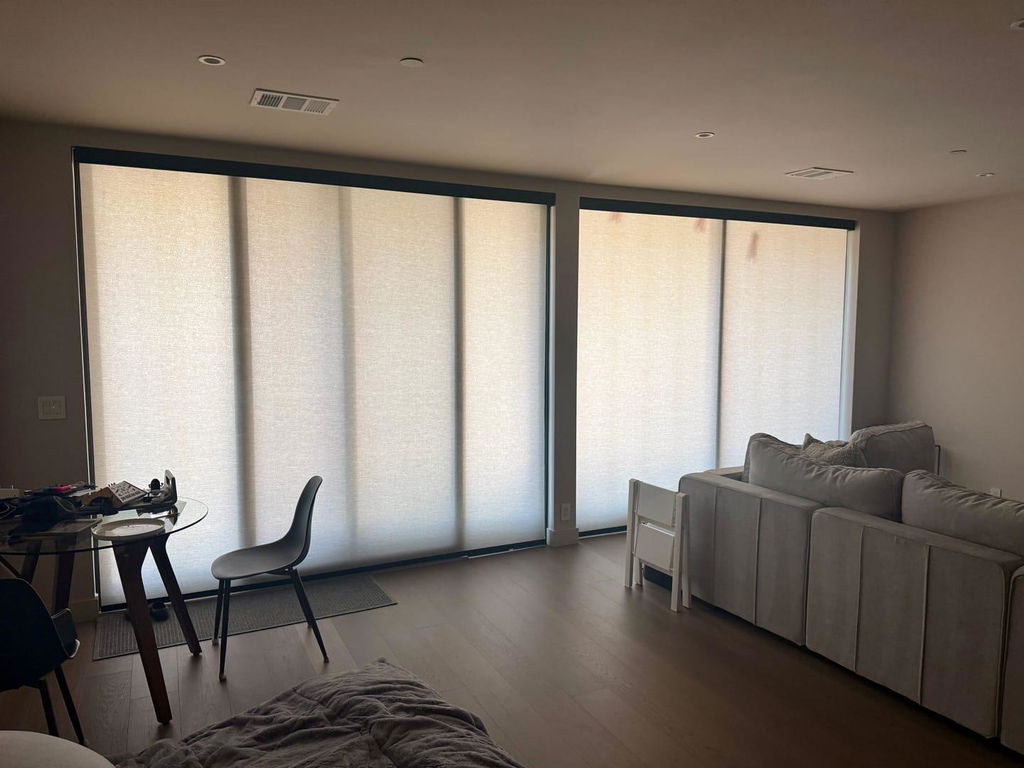
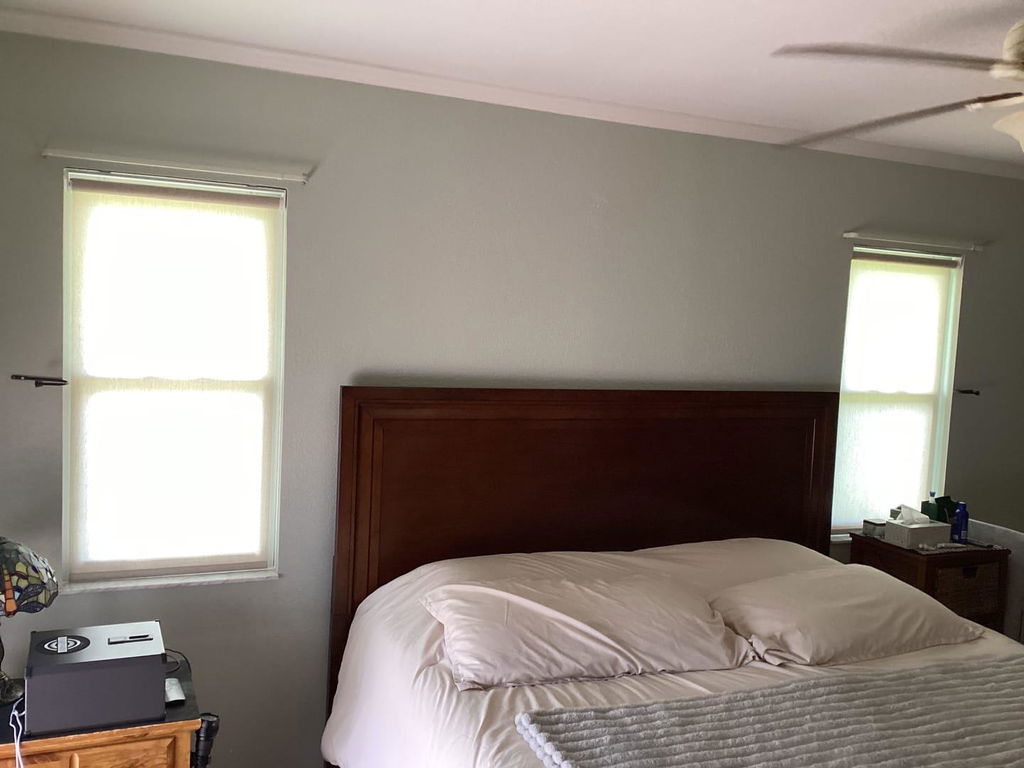
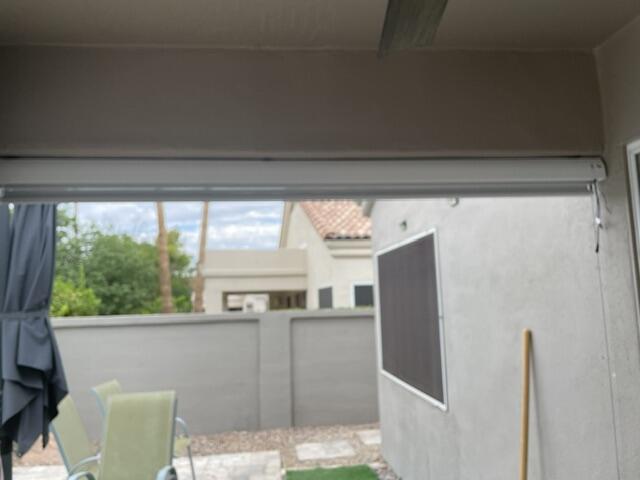
I spent three hours yesterday digging through my blue recycling bin for a crumpled piece of paper that probably didn't even weigh an ounce. My new shades were mounted—sleek, charcoal-grey, 5% openness solar screens that looked incredible against the white trim—but they were dead to the world. I'd accidentally tossed the blinds com motorized shades instructions along with the mountain of cardboard and plastic wrap that comes with a whole-house window refresh.
- The 'jog' is your best friend—it is how the motor confirms it is listening to you.
- Keep a paperclip or a SIM tool handy; you will need it for the recessed reset button.
- Channel selection must happen before you start the pairing sequence, not after.
- Set your lower limits flush to the sill to prevent that annoying sliver of light at 6 AM.
The Panic of the Missing Manual (And Why You're Not Alone)
There is a specific kind of adrenaline that hits when you realize you have just installed a piece of high-tech hardware and have no idea how to turn it on. I had the brackets perfectly leveled, the motor charged, and the remote in my hand, but without those instructions, I was just staring at a very expensive roll of fabric. It reminded me of when I was upgrading exterior patio shades and realized that while the hardware is heavy-duty, the brains of the operation are surprisingly delicate.
We have all been there. You are so excited to see the finished look that you tear through the packaging like a kid on Christmas. By the time the shades are up, the manual is buried under a pile of bubble wrap in the garage. But do not panic. These motors are actually quite logical once you understand the 'language' they speak. Most of the frustration comes from the timing of the button presses, not the complexity of the steps themselves.
The good news is that most motorized systems use a standardized communication protocol. Whether you are dealing with a wand-controlled unit or a multi-channel remote, the logic remains the same: wake the motor, introduce it to the remote, and then tell it where to stop. It is a three-act play that saves you from ever having to touch a cord again.
Step 1: Waking Up the Motor (Without Breaking Anything)
Before you can pair anything, you have to wake the motor from its factory sleep mode. On most models, there is a tiny button on the motor head. If you look at the end of the roll—different from standard roller shades where you would see a plastic clutch and a chain—you will see a small button or a tiny hole that requires a paperclip.
Press and hold that button for about three seconds. You are looking for a 'jog.' This is a quick up-and-down twitch of the shade. It is the motor’s way of saying, 'I am awake and I am listening.' If you hold it too long (usually 7-10 seconds), you might trigger a factory reset, which clears everything. Just a quick three-second hold until it nudges.
I have found that using a metal SIM card tool from an old iPhone works much better than a flimsy paperclip. It gives you a cleaner 'click' sensation so you know you have actually engaged the button. If your shade does not jog, check the power source. If it is battery-powered, ensure the wand is plugged in tightly or the internal battery has been charged for at least four hours. A weak battery is the number one reason pairing fails right out of the gate.
Step 2: Pairing the Remote (The 'Hold and Pray' Method)
Now that the motor is awake, you need to introduce it to the remote. This is where timing becomes everything. If you are working with dual roller shade systems, make sure you have selected the correct channel first. You do not want your sheer layer and your blackout layer moving in tandem unless you specifically program them that way later.
Once the shade is in pairing mode (after the jog), you usually have about 10 seconds to act. On the back of the remote, there is often a 'Confirm' or 'P2' button. Press it once, wait for a jog, press it again, wait for another jog, and then press the 'Up' button on the front. If the shade jogs a third time, you are in business.
If it doesn't work the first time, do not keep mash the buttons. Stop. Take a breath. Reset the motor and try again. The sequence needs to be deliberate. I once spent forty minutes fighting a remote because I was pressing the buttons too fast. The motor needs a second to process each command. Think of it like a slow conversation, not a rapid-fire text thread.
Step 3: Setting Your Upper and Lower Limits
This is the part that actually makes the shades look custom. You do not want the shade to disappear into the fascia and get stuck, nor do you want it to unspool onto the floor. To achieve a true blackout effect, the lower limit is the most critical setting you will make.
To set the upper limit, move the shade to where you want it to stop. On most remotes, you hold the 'Up' and 'Stop' buttons simultaneously until the shade jogs. This locks in the 'home' position. For the lower limit, repeat the process at the bottom by holding 'Down' and 'Stop.' I like to set my lower limit so the hem bar just barely brushes the windowsill—it creates a cleaner seal and blocks that annoying morning light leak.
Be careful not to let the shade roll up too far during this process. If it goes past the top and into the mechanism, it can jam the motor. Keep your finger on the 'Stop' button the whole time you are adjusting. It is much easier to move the shade down an inch than it is to fish a jammed hem bar out of a metal cassette at the top of a twelve-foot window.
How to Reverse the Roll Direction (The Most Common DIY Mistake)
There is nothing more frustrating than pressing 'Up' and watching your shade go down. This happens more often than you’d think—it just means the motor’s internal orientation is flipped. You do not need to start over or factory reset the whole unit to fix this.
Usually, there is a simple button combination on the remote to flip the polarity. On many Blinds.com models, holding the 'Limit' and 'Stop' buttons (or sometimes 'Up' and 'Down' together for 5 seconds) will reverse the direction. The shade will give you a long jog to confirm it now knows which way is up.
I once had a client who lived with 'inverted' shades for three months because she thought they were just 'wired backwards.' She was manually stopping them every time. Once I showed her the five-second button fix, she looked like she wanted to cry. Check your direction before you set your limits, or you will have to redo the whole limit-setting process from scratch.
Don't Lose Your Settings: The Final Lock-In
The final step is locking the remote so you don't accidentally overwrite your hard work while trying to change the batteries. Most remotes have a 'Lock' switch or a specific button sequence to prevent accidental programming. This is especially vital for motorized skylight cellular shades where the motor is out of reach and requires a ladder to access.
Once you are locked in, test the shades one last time. If you have multiple windows in one room, try the 'All' channel to make sure they are moving in sync. There is a deep satisfaction in watching four shades rise at the exact same speed to the exact same height. It is the closest thing to magic you can get in home decor.
FAQ
Why is my shade beeping when I move it?
Beeping is usually the motor's way of telling you the battery is low. Even if it is still moving, the beeps are a warning. Plug it in for a full 6-hour charge cycle. If it continues beeping after a charge, the motor might be detecting an obstruction in the track.
Can I control my shades with my phone instead of the remote?
Yes, but you usually need a bridge or a smart hub. The remote uses Radio Frequency (RF), while your phone uses Wi-Fi or Bluetooth. The bridge acts as the translator between the two. Once the shades are paired to the remote, pairing them to a hub is usually much faster.
My shade stops halfway down for no reason. What happened?
You likely accidentally set an 'intermediate' limit. This is a favorite position setting. To clear it, move the shade to that spot and hold the 'Stop' button for about 5-7 seconds until it jogs. This should delete the mid-way stop and allow the shade to travel fully from top to bottom.