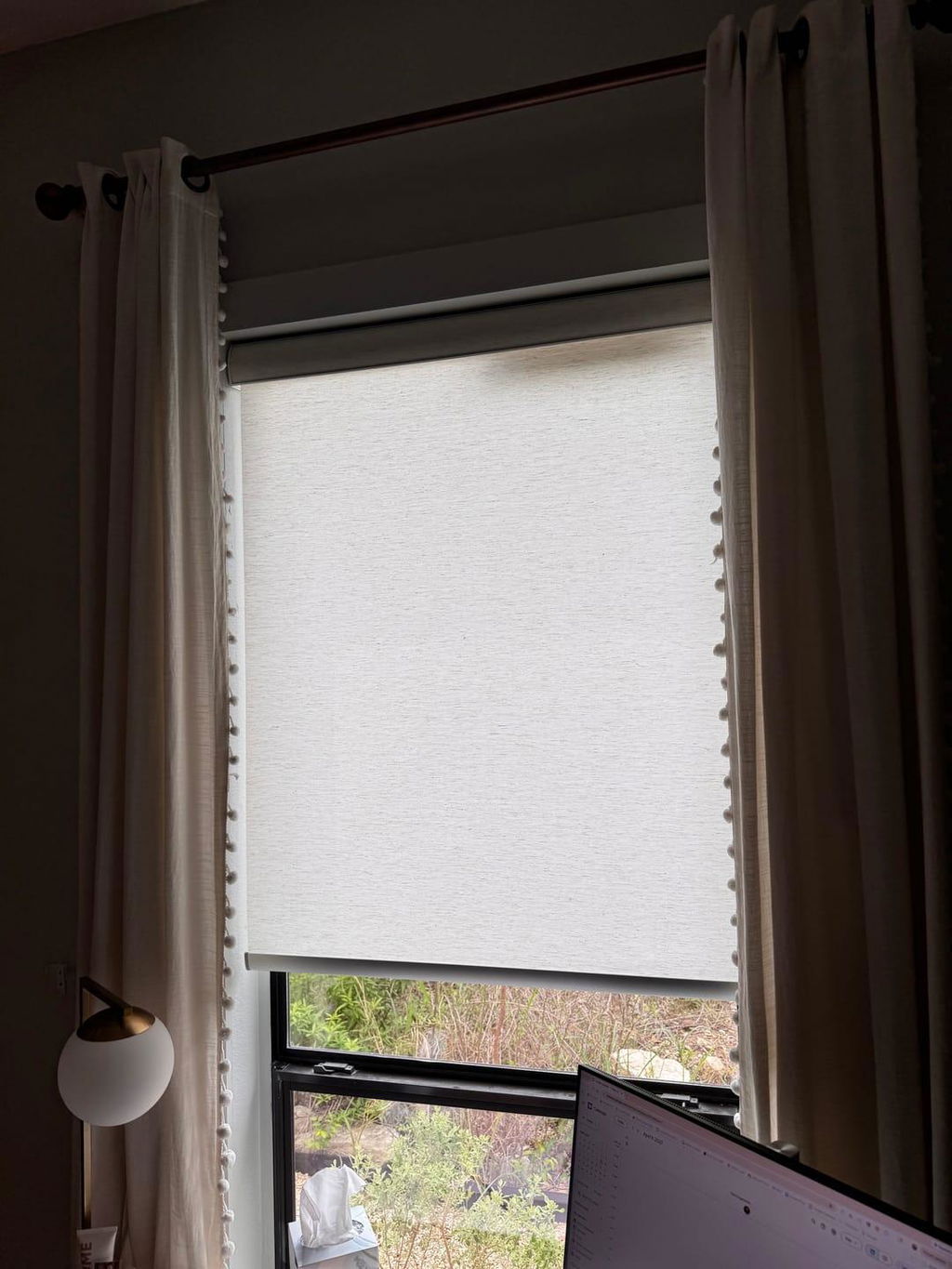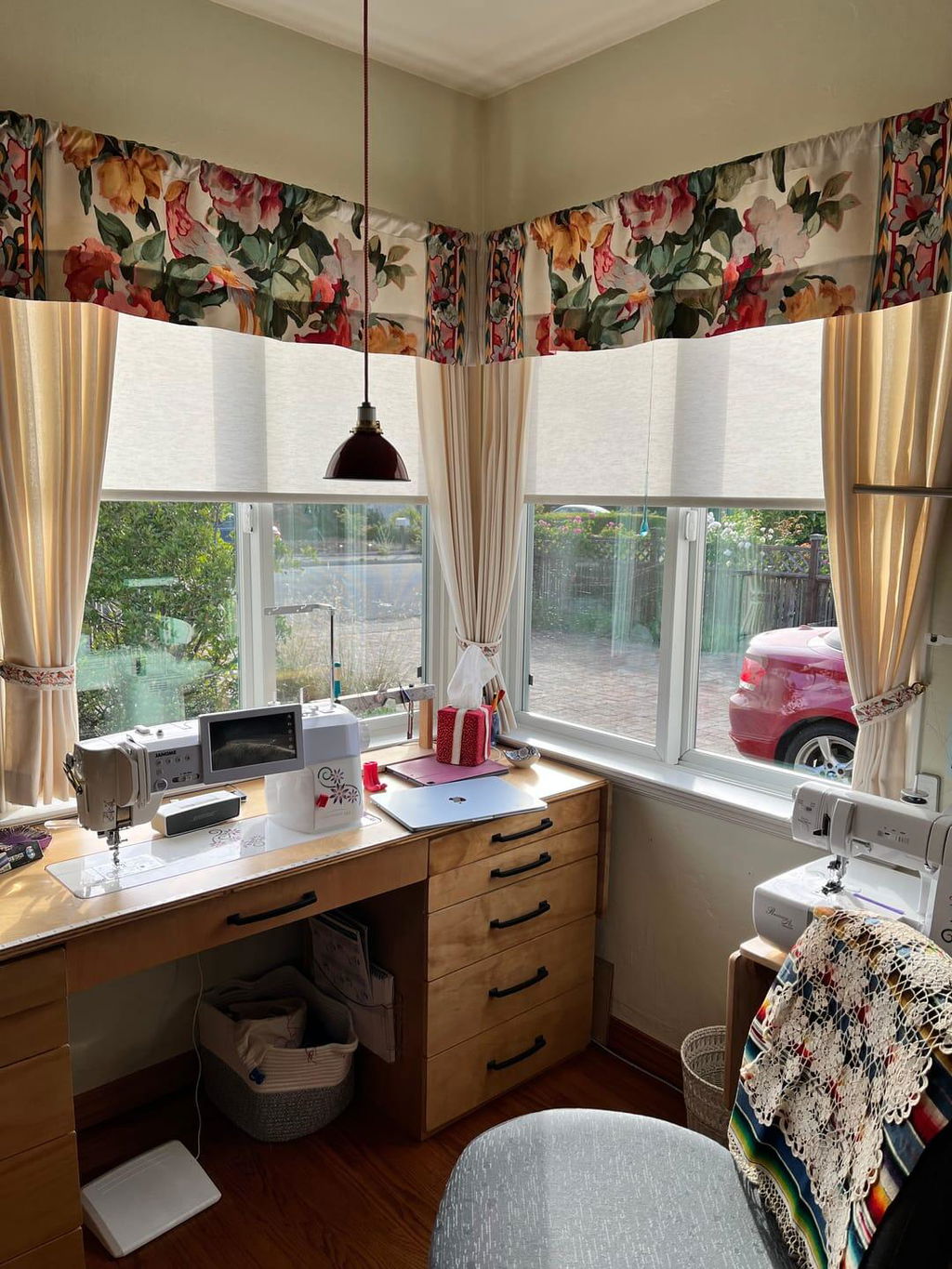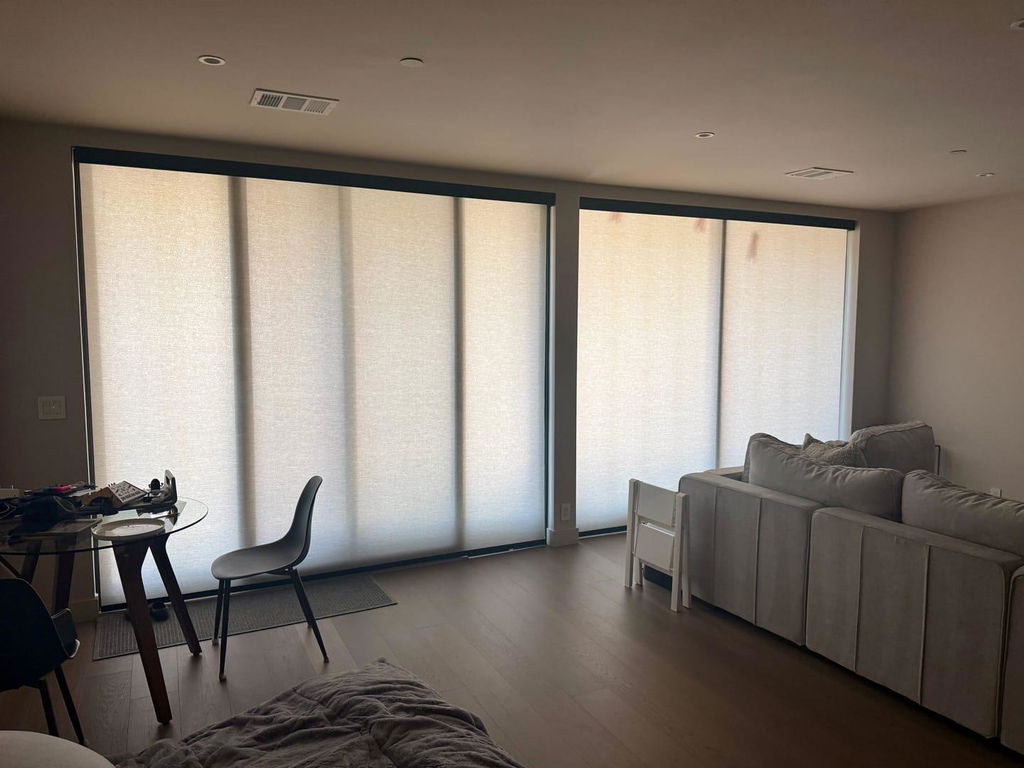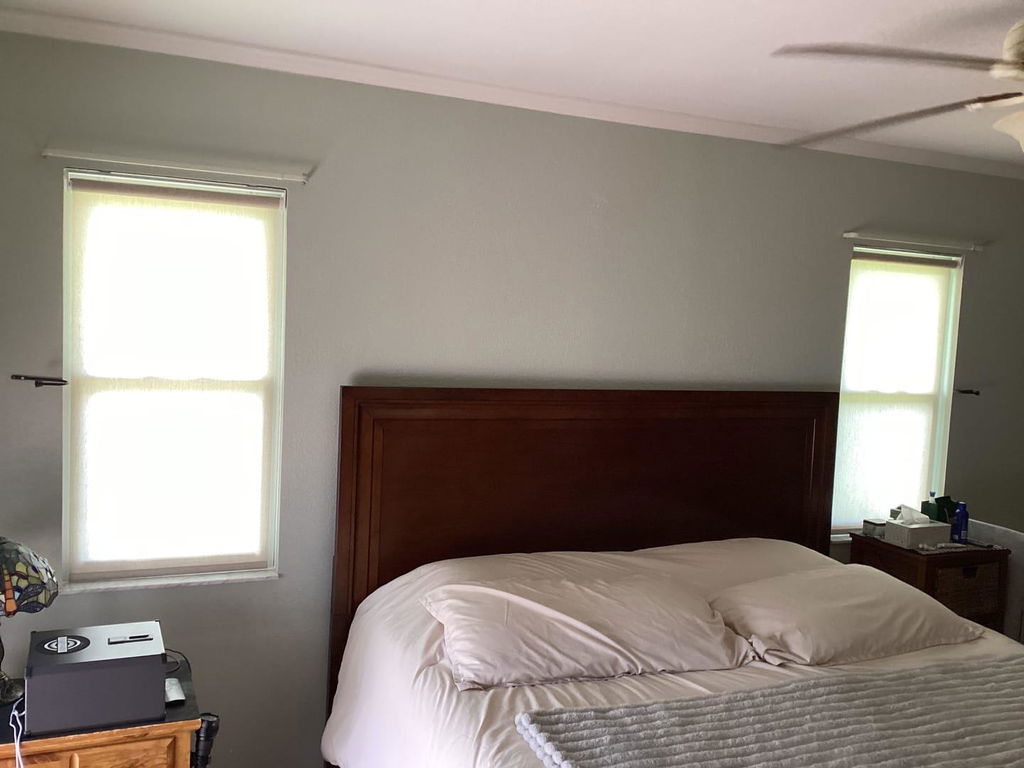
I Finally Figured Out How to Program Motorized Blinds (Without Crying)
I remember the first time I sat in my living room after a massive renovation. The floors were a perfect white oak, the sofa was a custom velvet in a moody moss green, and my new automated shades were finally up. Then the installer handed me a remote with fifteen buttons and no labels, waved goodbye, and suddenly the room felt like a high-stakes escape room. Learning how to program motorized blinds shouldn't require a degree in electrical engineering, but those tiny printed manuals make it feel that way.
Quick Takeaways
- The 'Jog' is your motor's way of saying 'I am listening.'
- Always set your lower limit 1/4 inch above the sill to avoid fabric buckling.
- Assign your most-used windows to Channel 1 for easy access.
- A label maker on the back of the remote will save your sanity.
Confession: I Am a Designer Who Is Terrified of Remotes
I have spent my career obsessing over fabric weights and the way a 96-inch linen drop should kiss a hardwood floor. I can talk for hours about the difference between a French pleat and a pinch pleat, but the second a client asks me to sync their 12-channel remote, I start sweating. There is a massive disconnect between the soft, organic beauty of a Roman shade and the cold, blinking LED lights of the tech that moves it.
The anxiety is real. You stare at that multi-channel remote and wonder if pressing the wrong arrow combination will erase the factory settings and leave your shades permanently stuck at half-mast. I’ve been there, standing in a dark living room at 10 PM, frantically pressing 'Program' with a paperclip while my husband asks if we should just buy long sticks to poke them down. We want the sleek, cordless look, but we don't want to feel like we're troubleshooting a mainframe every time the sun shifts.
Step 1: Waking Up the Motor (And Why It Beeps At You)
Before you touch a single button, make sure you have actually finished the physical setup. I’ve seen people try to pair a remote while the shade is still sitting on the rug. You need to know how to install your shades properly first, ensuring the brackets are level and the motor head is accessible. Once it is mounted, you have to wake it up.
Most motors ship in 'sleep mode' to preserve the battery. To wake it, you usually hold the program button on the motor head until the shade does a 'jog'—that quick up-and-down shimmy. This is the motor’s only way of flirting with you. It’s saying it’s ready to pair. If it beeps, listen to the tone. A long beep usually means 'success,' while a series of short chirps is often a cry for help (or a low battery). When you are learning how to program motorized shades, wait for that jog before you start clicking your remote, or you’ll just be shouting into the void.
Step 2: Setting the Limits (The Puddle vs. The Hover)
This is where the design magic—or disaster—happens. The 'limits' tell the shade exactly where to stop at the top and bottom. From a styling perspective, I hate a 'crush.' That’s when the shade hits the window sill and keeps going for a fraction of a second, causing the fabric to bow out. It looks messy and ruins the lines of a custom treatment. I always program my shades to stop exactly 1/4 inch above the sill. It creates a clean, architectural hover that looks incredibly expensive.
Be careful here, though. I once made a massive mistake I made with my Bali motorized cellular shades where I held the 'up' and 'stop' buttons for too long and accidentally deleted the upper limit. The shade tried to disappear into the headrail like a disappearing act gone wrong. When you are doing roller blind remote control programming, use tiny taps as you get close to the limit. Don't hold the button down. Move it in increments until it’s perfectly aligned with your window casing.
Step 3: Programming a 'Favorite' Position for Perfect Light
The 'Favorite' or 'My' button is the most underrated feature in home automation. Think of it as your 'Cocktail Hour' setting. For my clients, I usually set this to the exact point where the shade blocks the direct 4 PM glare hitting the TV, but still leaves the bottom third of the window open to see the garden. It’s that sweet spot where the room feels glowy but not dark.
If you have motorized dual roller shades, this gets even better. You can program a favorite position for the solar shade to cut the heat during the day, and a different favorite for the blackout layer when it’s time for a movie. To set it, just move the shade to your happy place and hold the center button until the shade jogs. Now, one touch gets you perfect lighting without you having to play 'shades-up-shades-down' for five minutes.
Troubleshooting When Your Shades Fall Out of Sync
There is nothing that triggers my interior designer OCD faster than three shades in a row where one is two inches higher than the others. It’s a visual twitch. Usually, this happens because one motor was on a different channel or the battery is dying at a different rate. To fix a rogue shade, you need to use your remote to isolate that specific channel. Don't try to fix them all at once or you'll just move the problem around.
If you don't fix the alignment, it’s a fast track to why your motorized cellular blinds look basic. Luxury is defined by symmetry. If your hemlines are uneven, the whole room feels off-kilter. When you are learning how to program blinds remote channels, take the time to 'group' your windows after you’ve set the individual limits. This ensures that when you press 'All,' they move in a perfect, synchronized line like a high-end hotel suite.
My Golden Rule for Multi-Channel Remotes
Here is my low-tech secret for a high-tech house: Buy a label maker. I don't care how sleek your remote is; if you have to guess which channel controls the kitchen and which one controls the nursery, you’re going to wake up a sleeping baby at least once. I put a small, clear label on the back of every remote listing the channels: 1-Living, 2-Dining, 3-All.
Also, keep a 'Master Remote' in a drawer and use individual wall switches for daily use. Guests shouldn't have to navigate a 15-channel remote just to get some privacy in the guest room. By keeping the deep programming on one remote and simple 'up/down' buttons for the rest of the house, you protect your settings and your sanity. Automation should feel like a luxury, not a second job.
FAQ
How do I reset my motorized blinds to factory settings?
Most motors have a reset button on the headrail. You usually hold it for about 10-15 seconds. The shade will typically jog a few times to confirm it has cleared its memory. You'll have to re-pair the remote and set your limits from scratch, so use this as a last resort.
Why is my remote not controlling my shades?
Check the channel first. It’s the most common mistake. If you're on the right channel and nothing happens, check the battery pull-tab on the remote or see if the motor needs a charge. If the motor beeps but doesn't move, it might be in 'user mode' with no limits set.
Can I program my blinds to open at a certain time?
To do this, you usually need a smart hub or bridge that connects your blinds to your Wi-Fi. Once connected to an app, you can set schedules so they open with the sunrise or close at dusk automatically.