I Almost Returned My Graber Motorized Shades Over a Remote
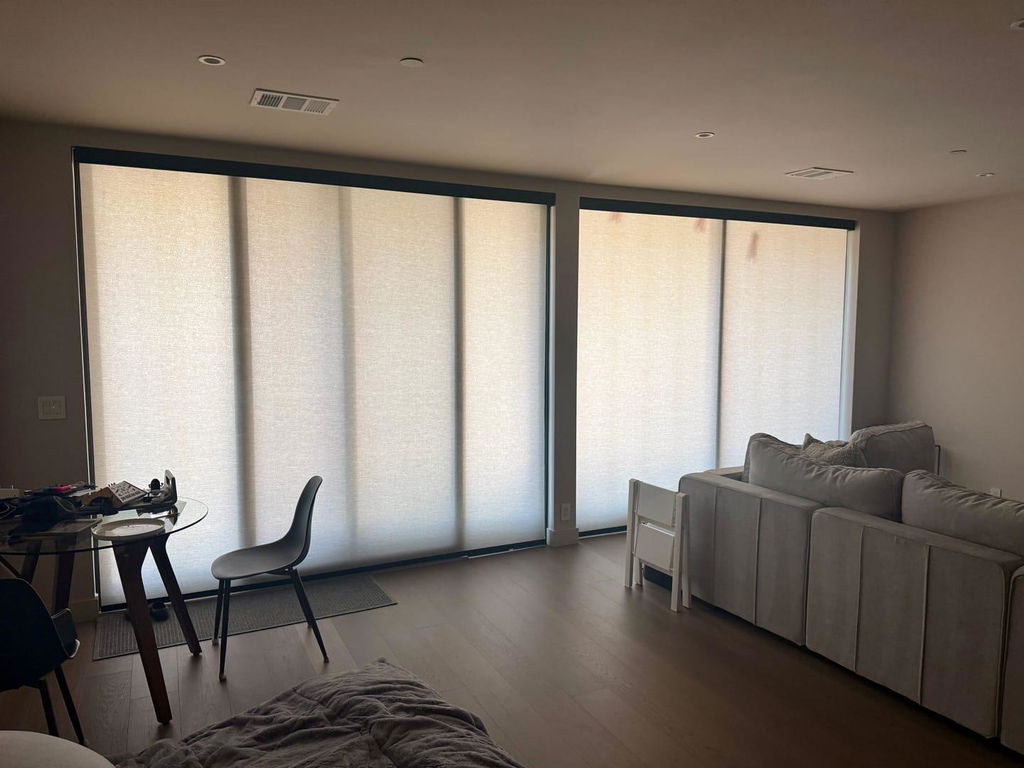
I remember the exact moment the installer walked out my front door. My living room looked like a spread from a high-end editorial—crisp, oatmeal-toned solar fabric with a 5% openness, perfectly fitted inside the casing of my deep-set windows. But then I picked up the remote. I pressed a button, and instead of the smooth, synchronized glide I had imagined, one shade went up, one stayed down, and a third started stuttering like it was having a mid-life crisis. I spent the next hour staring at my graber motorized shades, feeling like a complete failure of a designer. If I couldn't handle a three-button remote, how was I supposed to recommend these to my clients?
- The graber z-wave remote is the brain of the operation; master the 'Select' button first.
- Programming limits (where the shade stops) is a physical process, not just a digital one.
- The graber gateway is a mandatory upgrade if you want to stop hunting for remotes under sofa cushions.
- Most 'broken' motors just need a simple jog-reset to get back in sync.
The Beautiful Window vs. The Confusing Remote
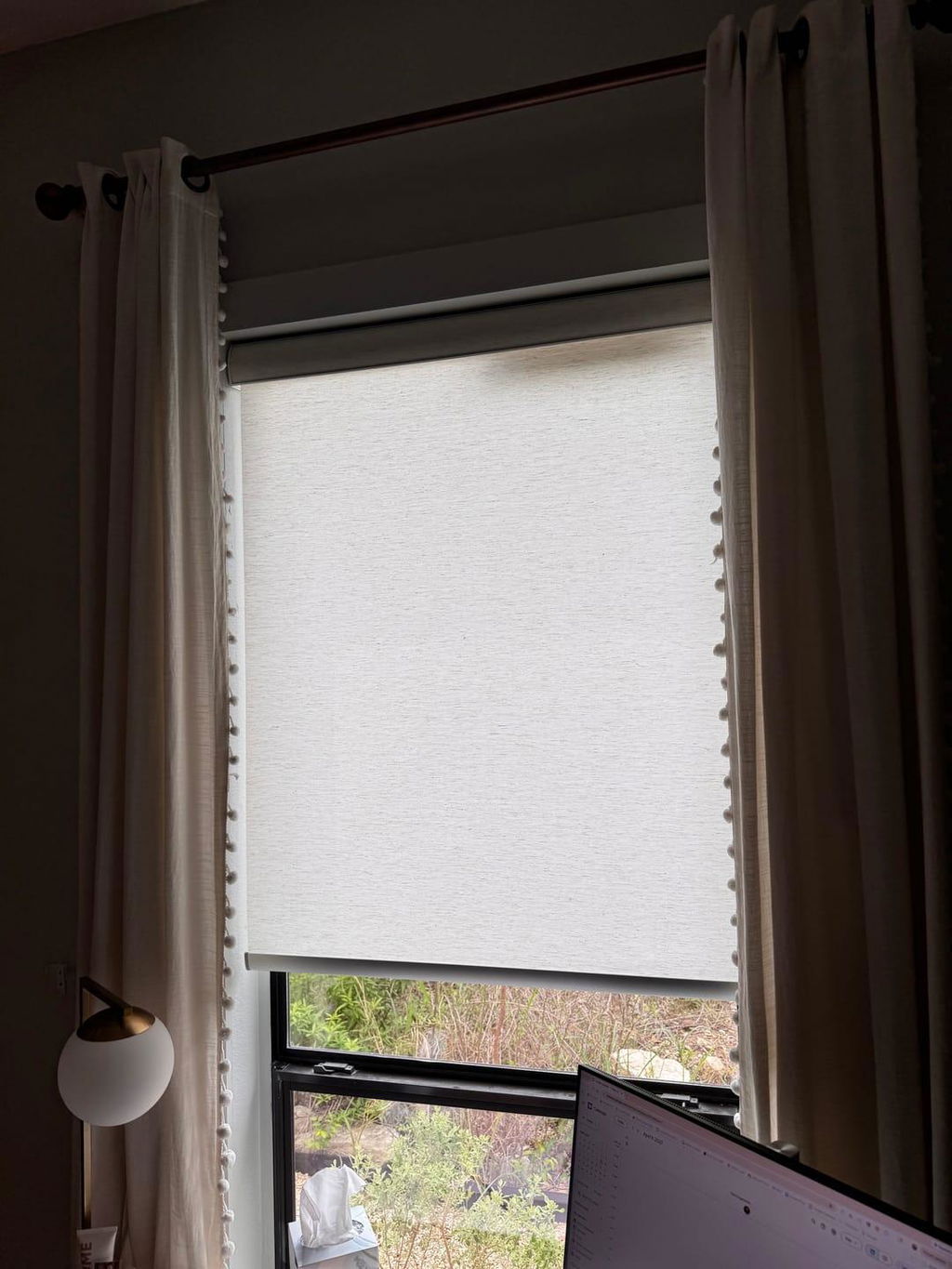
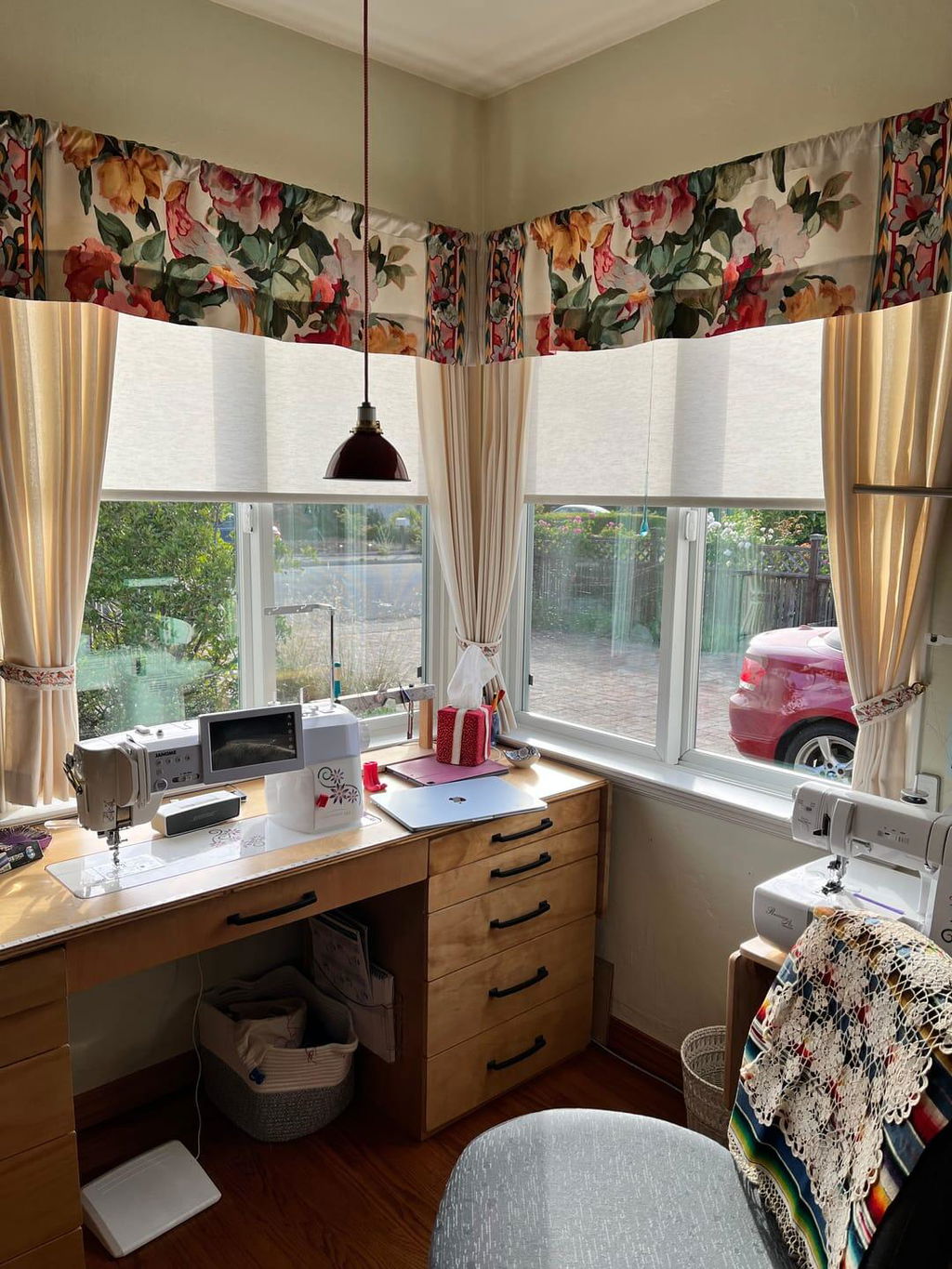
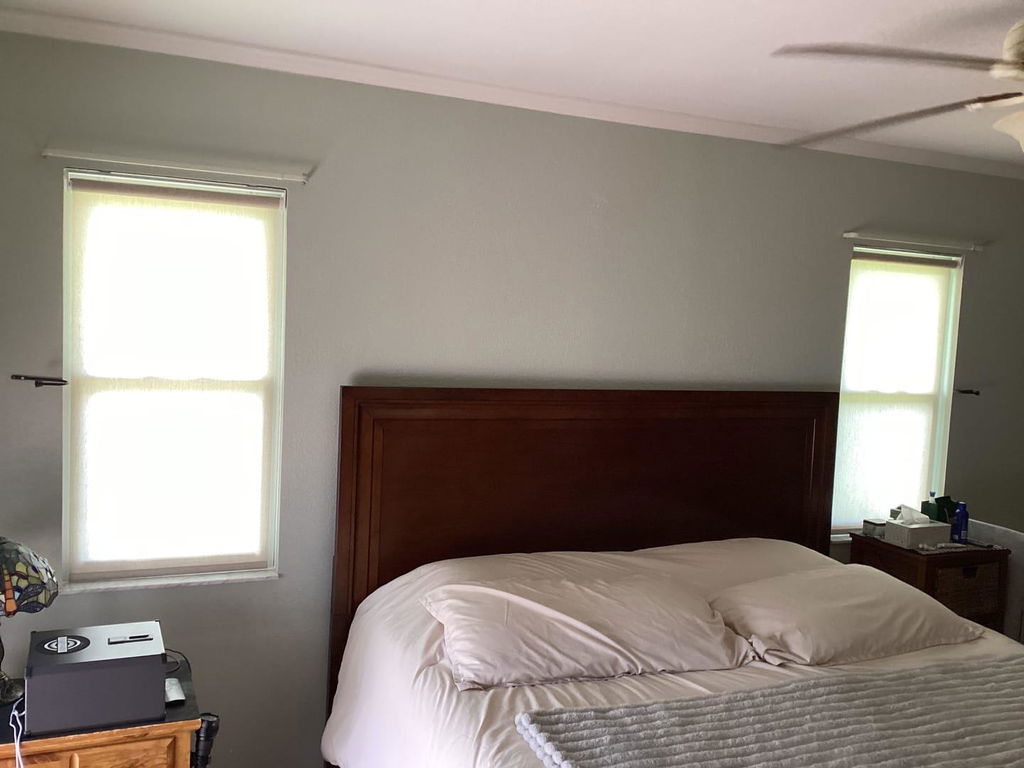
Getting the aesthetic right is the part I usually find easy. I chose graber motorized roller shades because they offer that architectural, 'barely there' look when they are up, and a clean, flat plane of texture when they are down. I went with a heavy-weight 300 gsm fabric to ensure they didn't wave at the edges. When you are looking for custom roller shades, you are paying for that precision. But graber motorized blinds add a layer of complexity that can feel like a barrier between you and your morning coffee.
The frustration doesn't come from the fabric or the mount; it comes from that blinking LED light on the wand. When graber motorized systems aren't behaving, it feels like the tech is fighting the design. I realized I had to stop treating the remote like a TV clicker and start treating it like a specialized tool. Once I understood the logic behind the graber motorization, the panic subsided.
Decoding the Graber Z-Wave Remote (Without Crying)
The graber z-wave remote is surprisingly powerful, but the graber motorized shades manual can feel like it was written for a software engineer. The secret is understanding 'channels.' If you have a multi-channel remote, you aren't just clicking 'up.' You are telling the remote which specific motor to talk to. I spent twenty minutes trying to move my dining room shades while the remote was still set to the kitchen channel.
For graber multi channel remote programming, you have to pair each shade to a specific light on the remote. If you ever lose yours—which I did during a frantic holiday cleaning session—getting a graber remote control replacement is easy, but you'll have to re-pair everything from scratch. Keep a graber remote control dedicated to each room, or better yet, label the back of the remote with a small piece of painter's tape so you know which is which.
How to Program Graber Motorized Shades (The Simple Version)
Learning how to program graber motorized shades is mostly about setting the 'limits.' This is the math of the window. You want the shade to stop exactly 0.5 inches above the sill to avoid bunching, or perhaps floating an inch above a deep velvet sofa to prevent friction. During graber remote programming, you'll use the 'program' button on the motor head—usually a tiny recessed button near the charging port.
The graber z-wave programming sequence involves a 'jog' (a quick up-and-down movement from the shade) to confirm it heard you. It’s a tactile process. I once set the upper limit too high on a 96-inch drop, and the hem bar disappeared into the cassette. I had to manually pull it out while holding the 'down' button. Lesson learned: always set your limits slowly, inching the shade into place rather than holding the button down.
Ditching the Remote: My Journey with the Graber Gateway
The real 'aha' moment came when I plugged in the graber gateway. Handheld remotes are fine, but the graber motorization app is where the magic actually happens. It turns your window treatments from a manual chore into an invisible routine. I set my graber blinds motorized units to a 'Sunrise' scene. Now, at 6:30 AM, the shades in my bedroom rise to 25% to let in a sliver of light, then fully open at 7:00 AM.
This level of control is especially vital for complex setups like motorized dual roller shades, where you are managing both a sheer layer and a blackout layer. Using a graber blinds remote for two layers is a headache; using the app allows you to group them so they move in perfect harmony. No more 'remote fatigue' or wondering which graber motorization support line you need to call.
When Things Go Wrong: My Go-To Troubleshooting Steps
Eventually, a shade will stop responding. It happens. Before you call graber motorization support, check the battery. Most graber motorized issues are just low voltage. If the battery is full and it’s still acting up, it’s time for a reset. I’ve found that motorization support graber usually suggests the 'triple-press' reset on the motor head to clear the memory. It’s the window treatment version of 'turning it off and back on again.'
Another common quirk is fixing shades that move out of sync. If your left shade is moving slower than your right, they might just need a re-calibration of their top limits. I once had a shade that stopped halfway down every single time because it 'remembered' a ghost limit I had set by accident during graber remote programming. A full factory reset of that specific motor fixed it in thirty seconds.
The Verdict: Is the Tech Worth the Aesthetic?
After the initial learning curve, I wouldn't go back to cords or wands for anything. The luxury of seeing four windows worth of heavy linen-look fabric rise in total silence at the touch of a button is worth every minute of graber motorized shades manual reading. It’s about the clean lines—no messy strings dangling over your trim, no uneven hems. Once you demystify the graber blinds remote, you’re left with exactly what you wanted: a beautiful, smart home that actually works for you.
FAQ
How do I reset my Graber remote?
To reset the graber remote control, you usually need to remove the battery cover and press the 'reset' button with a paperclip. This clears the paired channels, so you will need to re-pair your shades following the standard graber z-wave programming steps.
Why is my Graber shade blinking red?
A blinking red light on the motor or wand usually indicates a low battery. Plug in your charger for at least 4 hours. If it continues to blink after a full charge, it may indicate a motor error that requires graber motorization support.
Can I control my shades if I lose the remote?
Yes, if you have the graber gateway installed, you can control everything through the graber motorization app on your phone. If you don't have the gateway, you'll need to order a graber remote control replacement to regain full functionality.